Online help 
This is the online help for SpreadsheetConverter. Use the index below to navigate to the topics that interest you.

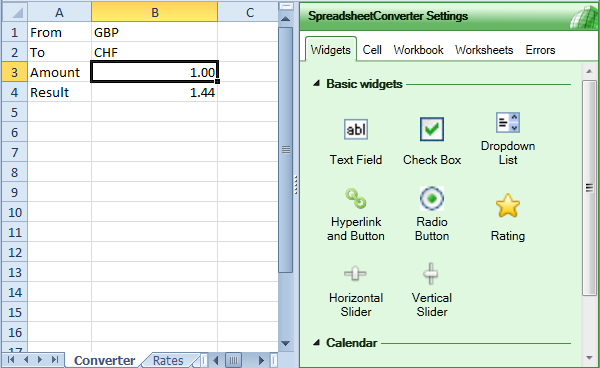
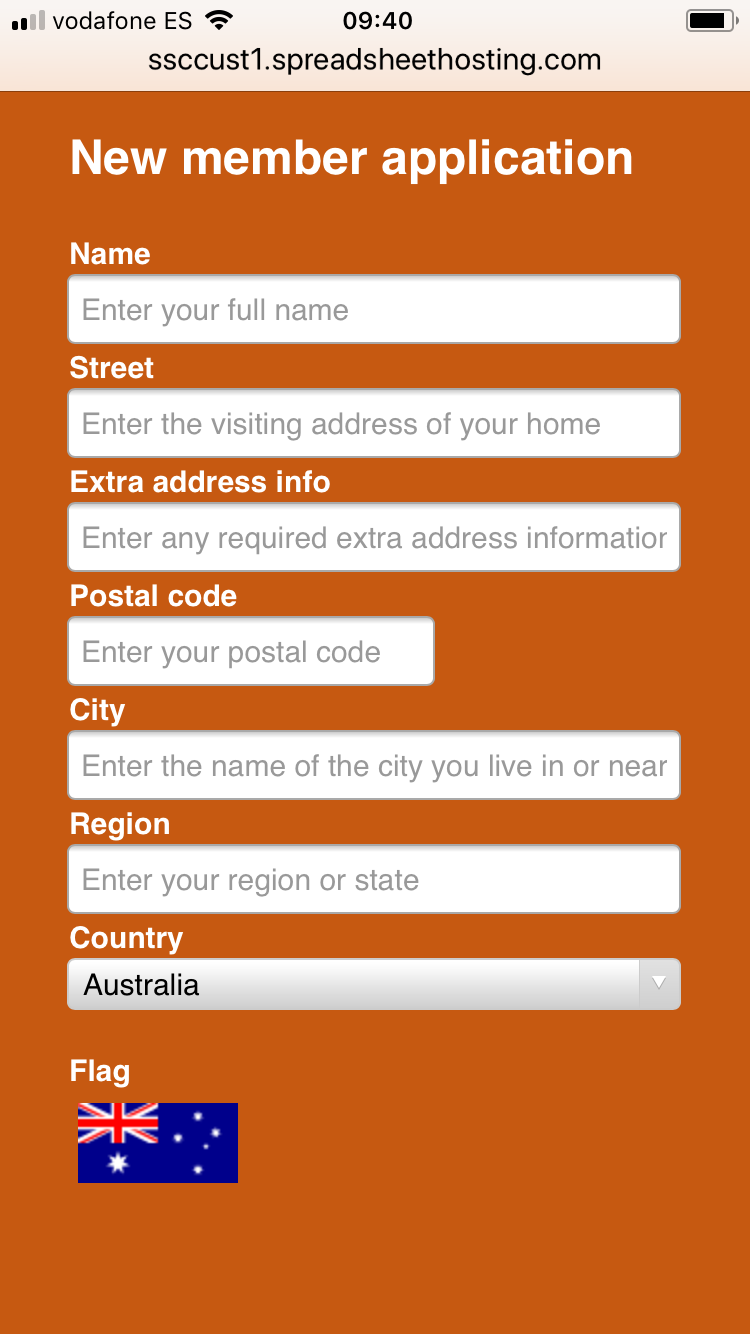
Use widgets 
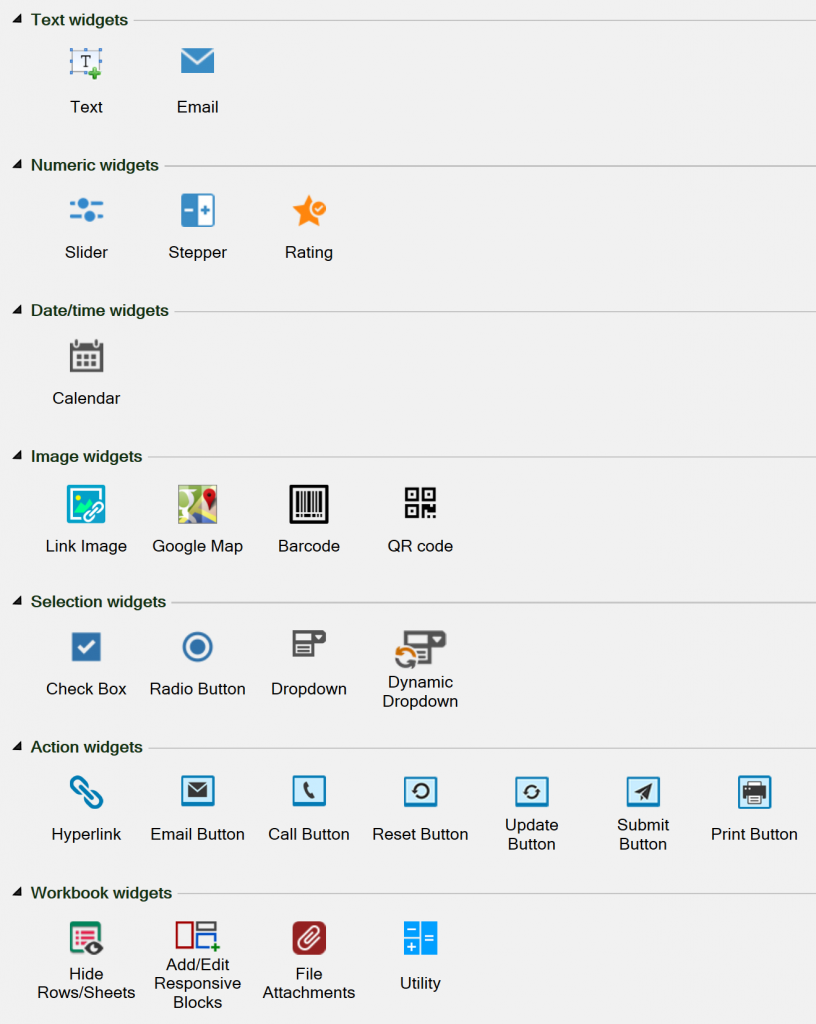
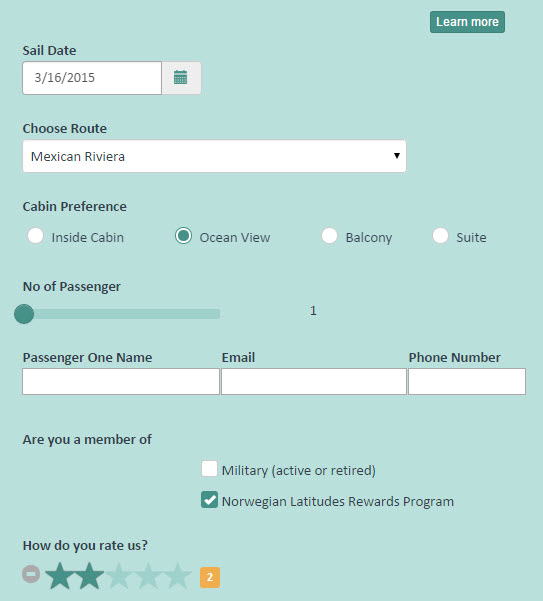
Use the links in the screenshot or below.
Use the basic widgets, HTML flavor
Use the basic widgets, iPhone/Android flavor
Pick a date with a Calendar widget
Switch image easily with the Link Image widget
Visualize the world with Google maps
Create a dynamic dropdown menu
Hide rows or sheets with a widget

Import an Excel spreadsheet in your blog or website 
Converting spreadsheets to web format makes it very easy to import them into your blog or website. Here are tutorials on how to do this in various popular environments:
- Import Excel spreadsheets and charts in Blogger
- Import Excel spreadsheets and charts in Drupal
- Import Excel spreadsheets and charts in Google Sites
- Import Excel spreadsheets and charts in Joomla
- Import Excel spreadsheets and charts in Squarespace
- Import Excel spreadsheets and charts in Typepad
- Import Excel spreadsheets and charts in Weebly
- Import Excel spreadsheets and charts in Wix
- Import Excel spreadsheets and charts in WordPress with the plugin
- Import Excel spreadsheets and charts in WordPress without the plugin
- Import Excel spreadsheets and charts in any blog or website
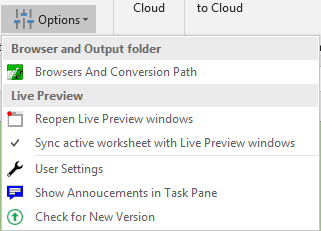
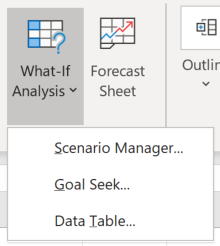
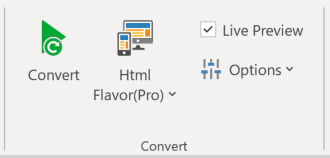
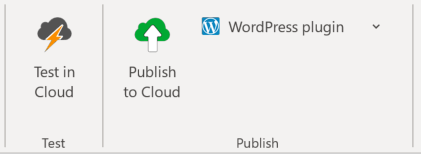
The ribbon menu in Excel 
Use the links in the screenshot or below.