
News: Meet the Reborn Widgets
For SpreadsheetConverter v12, see the help, installation guide or product tour.
Earlier versions: show the original page
Meet the Reborn Widgets
In version 8, the widgets are completely redesigned. You can design themes for them. They are much more easier to use on a touch screen.
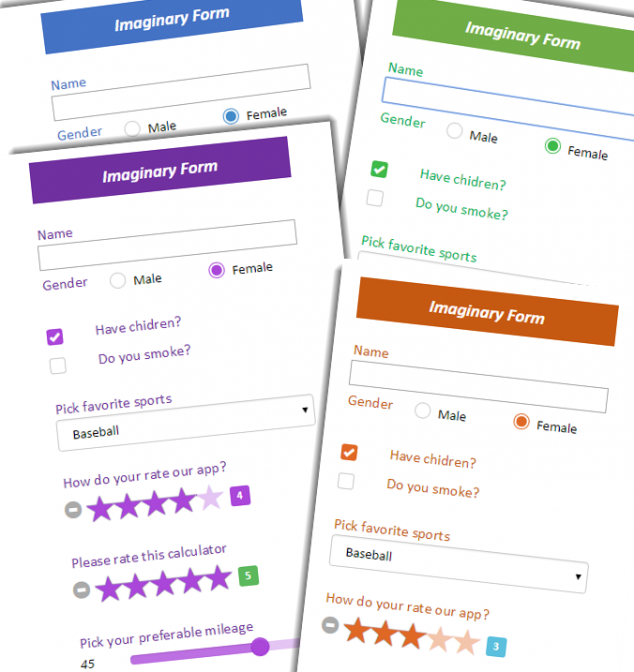
What's new with Widgets
The widgets in SpreadsheetConverter get an enhanced look and functionality in the new version 8. We have made widgets easier to work with. The widgets now have a new refreshed look with a modern design that is pleasing and beautiful. The new widgets are more touch friendly and look good across all devices. We also introduce Theme Designer, that lets you create and apply visual themes appropriate for your webpage.
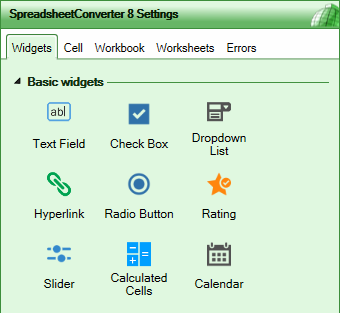
Version 8 widget tab with beautiful crafted icons
Crafted Icons
The widget icons that you see and interact with every day have got a new look that is more crisp, polished and modern. The icons in the task pane now resemble better what you get in the converted web page.
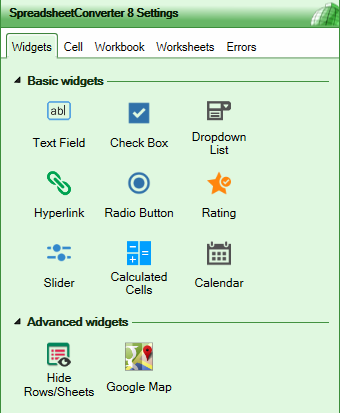
Version 8 simplifies widgets into 2 groups
Simplified widget categories
Widgets are separated into two categories: Basic and Advanced widgets. The Calendar widget is now part of the Basic widgets category.
Switching between sub-types of a widget, e.g. vertical and horizontal slider, is now super-easy and you never lose any settings. Previously you sometimes had to remove an existing widget, insert new one and then set the widget properties again.
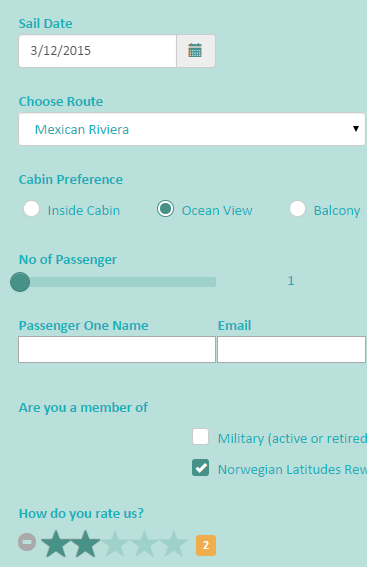
Refreshing and modern looks
Refreshing look with a modern design
The widgets in the SpreadsheetConverter version 8 are enhanced with a refreshing look that is pleasant to look at. The new widgets also gives your calculators a modern look and feel.
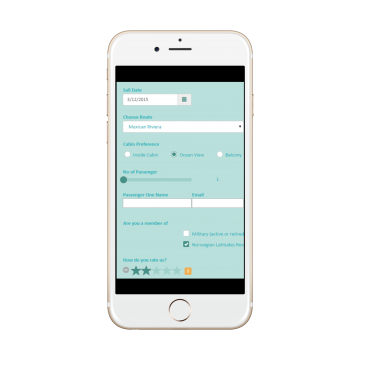
Mobile view of widgets
Touch-friendly
The new widgets in SpreadsheetConverter version 8 are more touch-friendly, in particular on smaller screens.
Try it for yourself by scanning the QR code below:


Design Custom Theme
You can change the colors of your widgets using a predefined theme so that they match your brand color and look attractive in your webpage. You can select the color you think is best for your widgets and apply it in your webpage.
Learn more in the introduction to Theme Designer.
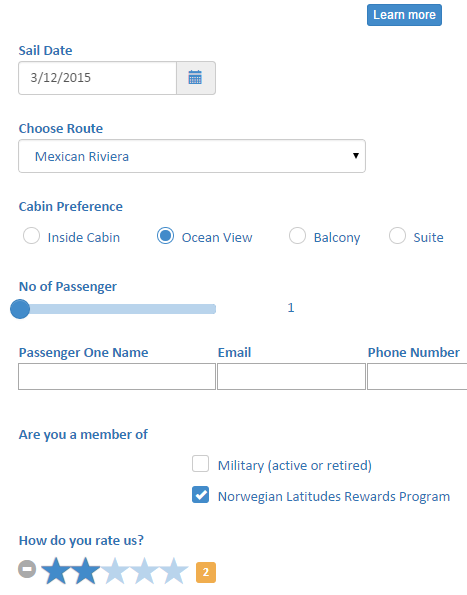
The Default Theme
This shows the default theme that SpreadsheetConverter comes with. If you do not wish to use your own theme, this theme will be applied automatically every time you convert a spreadsheet.
See an example of a webpage that uses the default theme
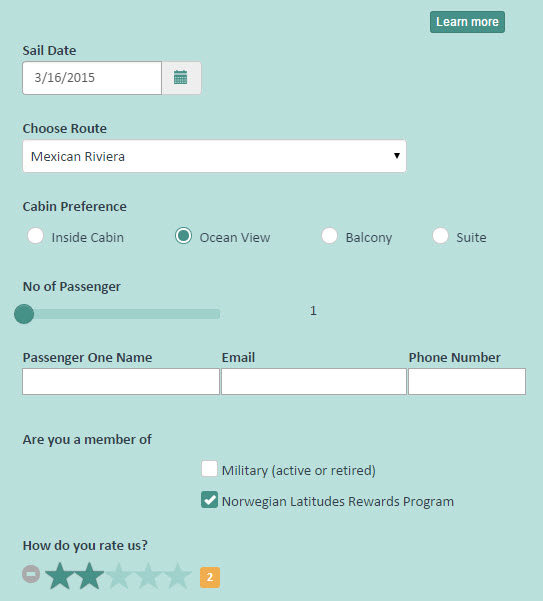
Aqua Theme
This is a custom theme called Water color representing the aquatic environment. This theme is installed automatically so you can choose it directly from the list of themes.
See an example of a web page that uses the Aqua theme