
Convert your first workbook 
Convert your first workbook 
SpreadsheetConverter v12 is backwards-compatible — open any existing
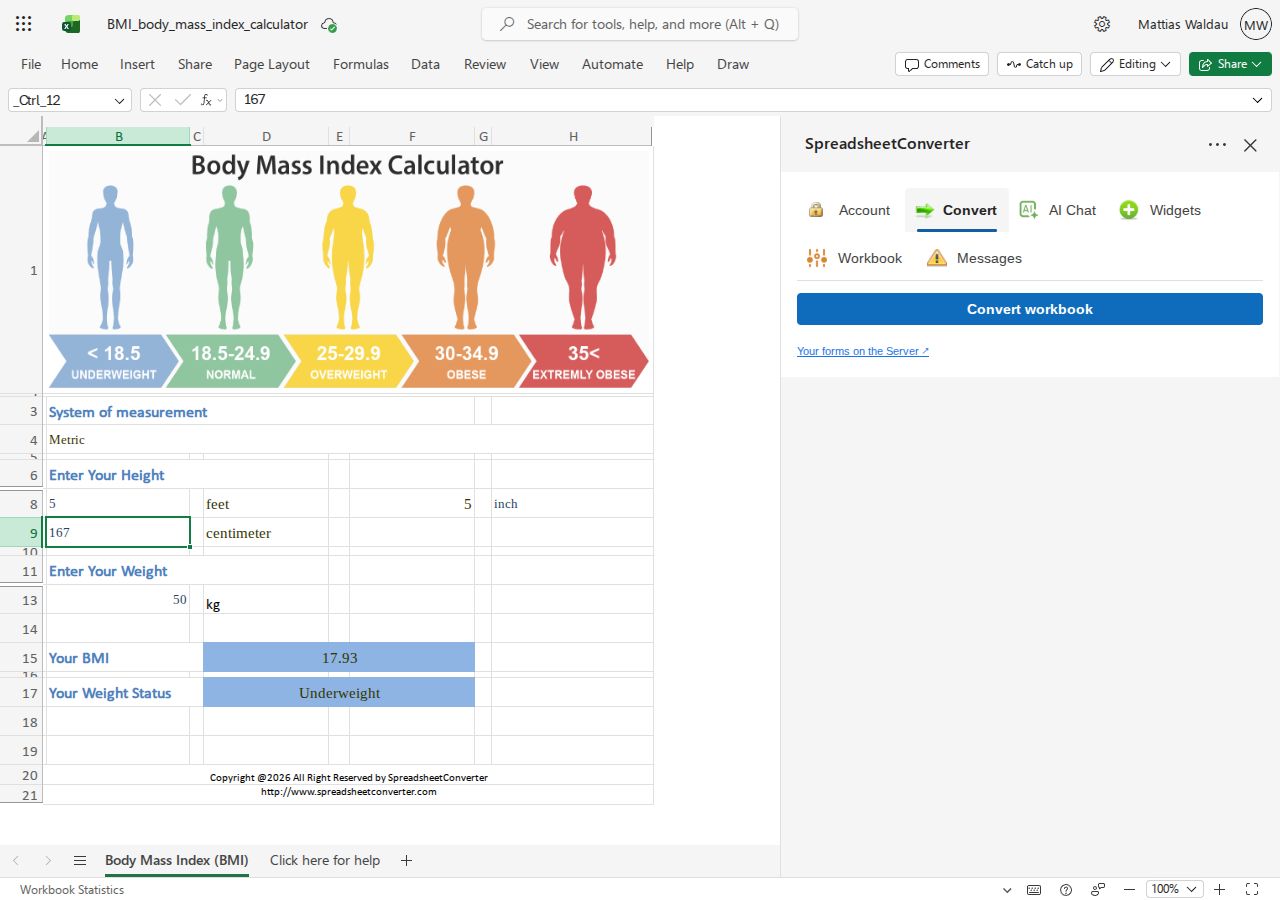
.xlsxyou already have.Click the Convert to Web ribbon button to open the task pane. You re-open the task pane this way for each workbook you open — Excel doesn't keep it open across files.
In the task pane, go to the Convert tab and click Convert.
Conversion takes between 15 seconds and a few minutes, depending on workbook size. Leave the pane open while it runs.
When it finishes, click Preview to view the converted web page.
What is an input cell? 
An input cell is a cell your visitors are allowed to type into on the published page — a loan amount, a quantity, a rate. Everything that depends on it recalculates instantly in their browser, exactly like in Excel. Cells you do not mark as input cells stay read-only, so your model and its formulas are protected.
Mark input cells from the add-in before (or after) you convert; the Messages tab will remind you if a workbook has none, since a calculator with no inputs is usually a mistake.