SpreadsheetConverter version 7 adds many highly anticipated features. It becomes much easier to create calculators, forms and charts for mobile devices, and to dynamically adapt the formatting depending on cell contents.
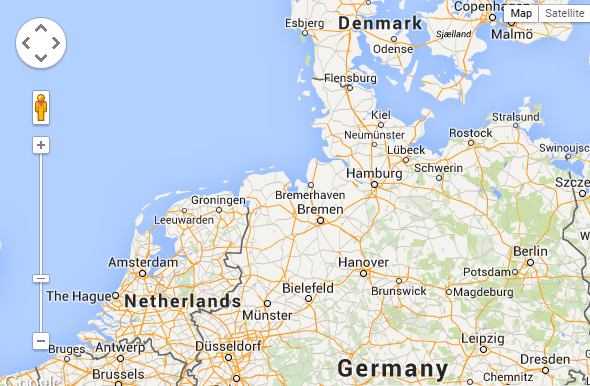
The Google Map widget lets you use a map in web page created from a spreadsheet. You can have the spreadsheet control what area the map shows, and insert pins on specific, named locations. Therefore, you can show locations of your companies, stores etc. Learn more
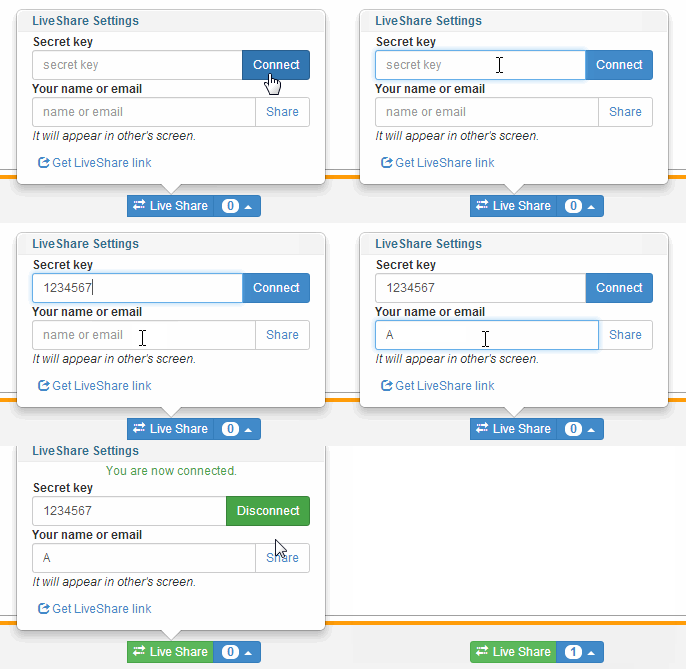
Would you like to collaborate on a complex calculation with your peers and colleagues?
The Live Share feature allows you to share a calculating web page in a group and simultaneously update the numbers.
You create a group name which also is a secret key, then invite your colleagues to join the group and open a live copy of the collaboration spreadsheet.
To the right is an animation showing how a calculating web page is shared.
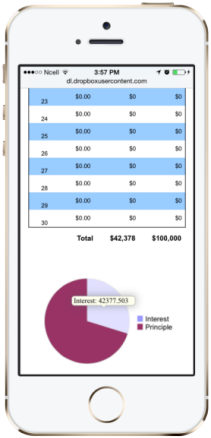
Show charts on mobile devices.
Most mobile devices don’t support Flash, so we added the ability to generate charts from a spreadsheet directly in HTML5. This enables you to display charts also on iPads and Android tablets.
Not that we expect charts to be equally popular on iPhones and Android smartphones, but we support them anyway. Naturally, what you see is what there’s room for, depending on the size of the display.
With charts in native HTML, you can now also easily print charts from most modern web browsers.
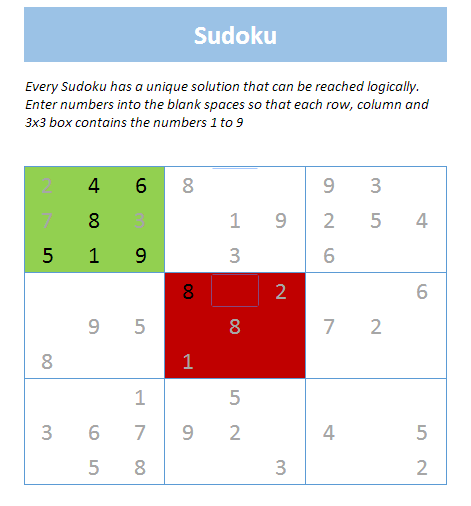
Conditional Formatting applied in sudoku game
In Excel, conditional formatting provides an excellent way to highlight abnormal values or to focus attention on the most important rows or columns in a spreadsheet. With SpreadsheetConverter 7, conditional formatting is also supported on web forms and calculators converted for iPhone/Android. Learn more
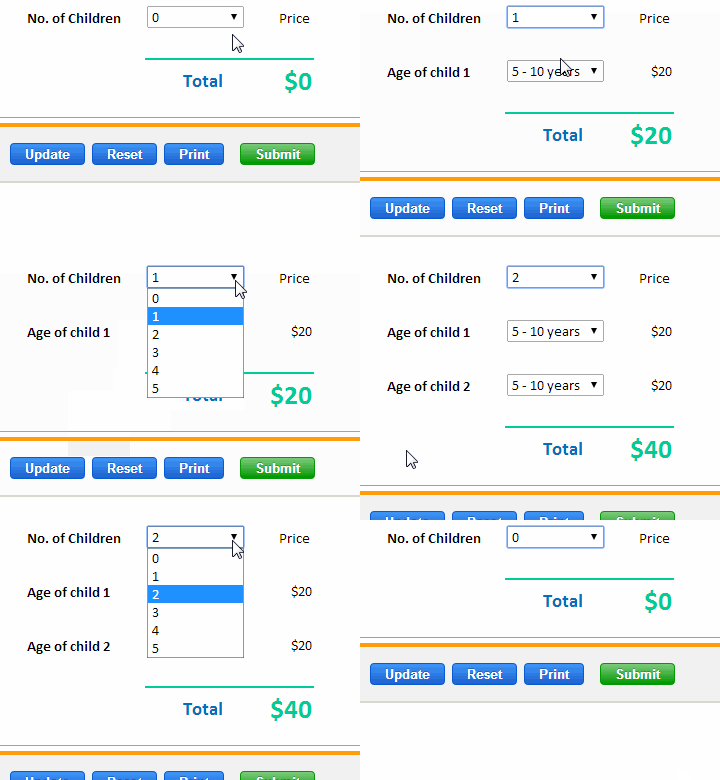
When you design forms, it is often useful to be able to hide sections of the form depending on the user’s answers to previous questions. Perhaps you wish to hide questions about current employment for full-time students or people that have retired.
Hidden rows can also provide dynamic selection of text and image in interactive handbooks and debugging wizards, all controlled by the user’s responses.
To the left is an example from a form where the age needs to be specified for all the children in a family. Regardless of the number of children, there is always one Age field per child. Learn more.
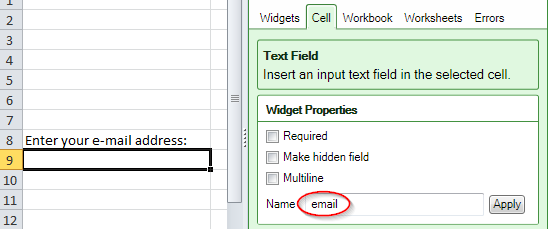
Just name the field "email"
When a form is submitted, an e-mail copy of the submitted form can be sent to the submitter, or to any other e-mail address. Just give a cell the reserved name “email” and have the user enter the e-mail address there.
Also, please enable the “Show CAPTCHA before submitting to reduce spam” in the configure submit dialog box to enable the copy to submitter function of the advanced submit service. Without enabling this, you cannot use the copy to submitter function in the spreadsheet converter.
Like any other named cell, the e-mail address can also be set from the form’s URL, e.g. “…/form.htm?email=x@y.z”.
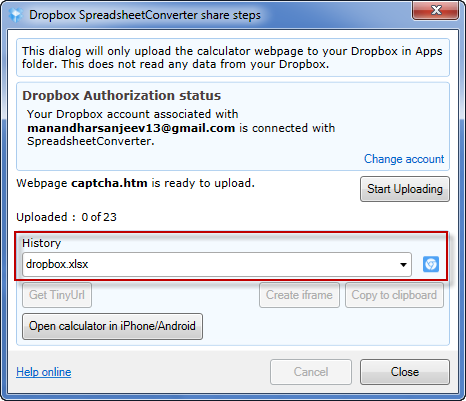
The spreadsheet converter V7 remembers your dropbox history. Now you do not need to keep hold of your previous uploads in the dropbox as the spreadsheet converter dropbox share remembers your last 10 URL of the uploads in the dropbox
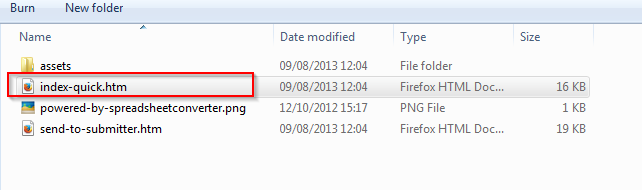
When forms are submitted from mobile devices, it is often essential that the file that is sent is as small as possible. Customers that use the Advanced Submit Service can dramatically reduce the size of the data sent from the mobile device for each form by using the index-quick.htm file that is created during conversion.
You must submit the full form once, for example directly after each conversion from your local PC. The Advanced Submit Service will automatically retain all information from the full electronic form and use it for subsequent “quick” submissions using the index-quick.htm file.
We have also made numerous minor improvements to the product in this new version.
Version 7 has been superseded by more recent versions. Please contact our sales department to upgrade to version 7.
New versions co-exist with older versions of SpreadsheetConverter, so you can test a new version without removing the old.
