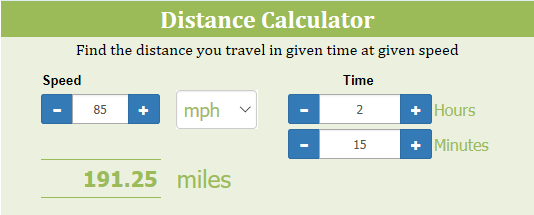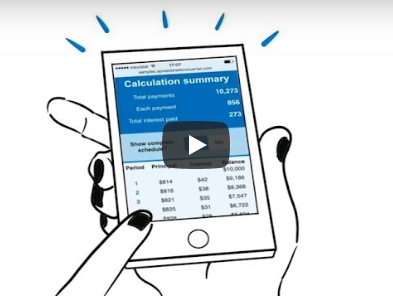
Convert Excel spreadsheets to calculating web pages. With this powerful add-in for Excel, you can convert spreadsheets to modern web pages with functionality that would be very costly to develop with the help of a professional web designer. Help your users buy the right volume of seeds for their garden, select the best printer or order 200 customize rubber tubes.
Create smart web forms. Design the perfect mobile data entry form in Excel with calculated totals, weights, and volumes. SpreadsheetConverter appears as an extra menu in Excel where you can add graphical widgets and other important form elements to your design. Receive submitted forms via e-mail or in a cloud database.
Compile any Excel spreadsheet into a powerful web app. Help a building engineer complete a safety survey directly on-site. Calculate your server’s power and cooling figures on your iPhone while your customer gets her car.
Watch the video to learn more!
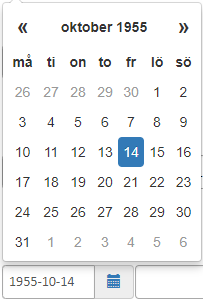
The Calendar widget follows regional settings and allows you to use formulas to calculate a more exact default date. Format printed output better with a separate, hidden Print Sheet.

Increase your productivity with automatic conversions. Live Preview windows are always in sync with what you do in Excel. Version 10 also has a new ribbon layout with smart shortcuts to tabs and windows.
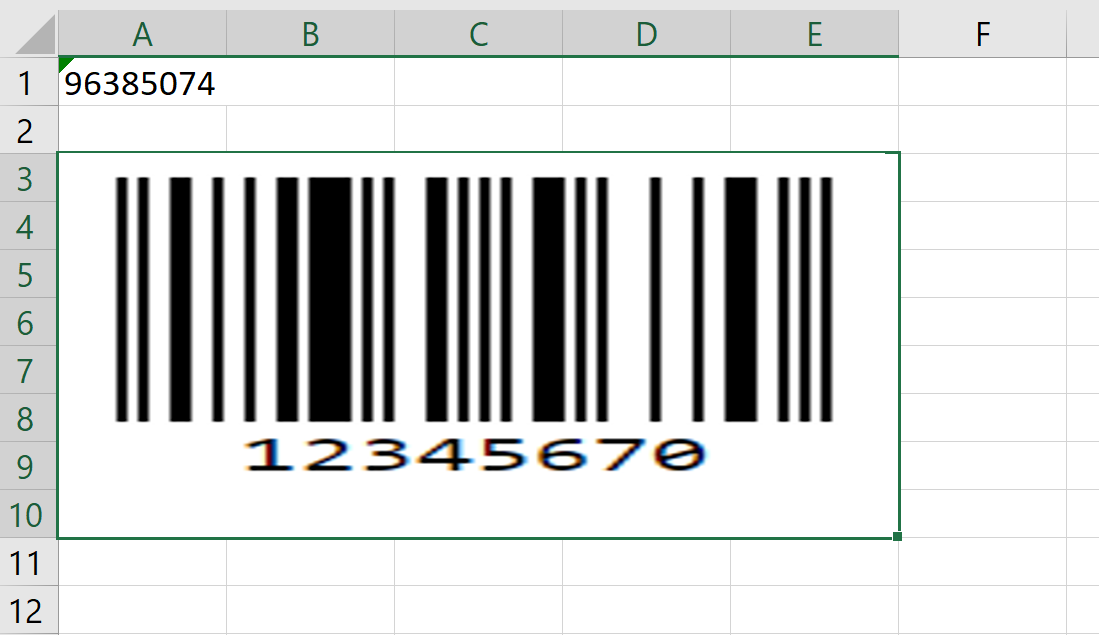
Two new widgets in version 9.4 let you generate barcodes and QR codes directly on your web page, either from static content or calculated by formulas and live data in a web form.
I was able to release an android app on Google Play. Not bad for a guy who did not know what an app was 6 months ago.
Absolutely great product that saved hundreds of hours of manual coding converting my Excel calculators to web pages.












Design your online calculator in Microsoft Excel, then convert it into a calculating and interactive web page. A smart calculator on your website makes people come back.
Take the tour
With SpreadsheetConverter, you can publish nearly all Excel spreadsheets on the web, retaining the live user experience and the immediate recalculation when cell contents are changed.
View examples
Test the program in your own Windows laptop with your own spreadsheets for up to 30 days at no charge. If you like it, buy a license key and your trial version is upgraded to the full version.
Read more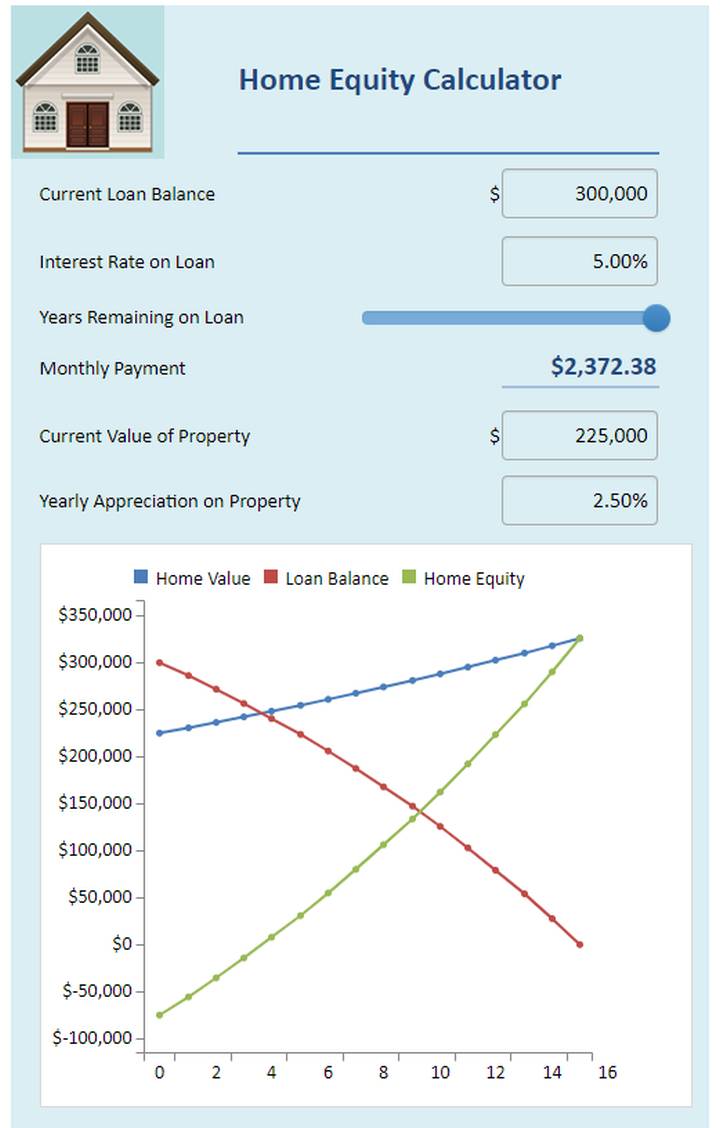
This is one of our favorite examples because it shows the advantage of live charts. Change any cell in the spreadsheet and the chart immediately reflects the new values.
In this example, you can also see a useful implementation of a slider. To change the years remaining on a loan, we could just have used a standard numeric field. Using a slider allows for much easier visualization of how the equity varies over the lifetime of the loan.

The interactive charts can be manipulated directly by your website visitors. This increases the value of any chart, and involves your visitors in the analytical process.

SpreadsheetConverter supports industry-standard responsive web design. If you split your spreadsheet into logical blocks, your calculators and forms look great on any kind of device.

With our Publish to Cloud service, your calculator is hosted on the distributed Amazon S3 infrastructure with superior performance, extreme reliability and massive scalability.
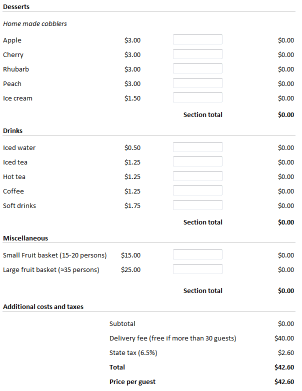
This one started as a spreadsheet we created to calculate catering costs. After a while, we found that people were using old versions with old prices. With SpreadsheetConverter, we could convert our spreadsheet to a web page calculator that people could use directly on our internal web.
When prices change, all we have to do is update and convert the spreadsheet, upload it on the web, and the new prices are immediately there for everybody.
Before we started using SpreadsheetConverter, we were always chasing people, asking them to provide additional information that we just must have to process a catering order, e.g. their cost center numbers. Then we found out how to add a Send button to our little calculator. Now, after people have specified their requirements and checked the prices, they can send us their order directly from our web page with just a click of a button.
SpreadsheetConverter allows us to make certain fields in the catering order form mandatory. So now, no-one can send us a catering order without specifying their cost center. You bet it saves us time!
Test this web form in other formats:
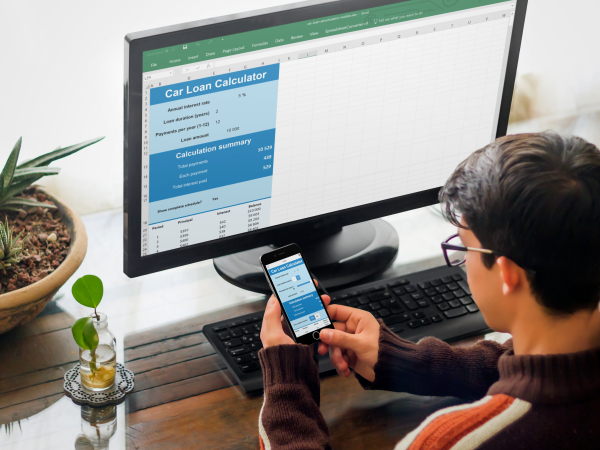
This developer is using Excel to create a calculator for a loan application form, and previewing the form on an iPhone.
You only need basic Excel skills to develop powerful web apps.
Everything works just like in Excel. Use formulas and functions to calculate values, and design the layout with Excel’s formatting options. Everything you do in Excel comes across to the web app.
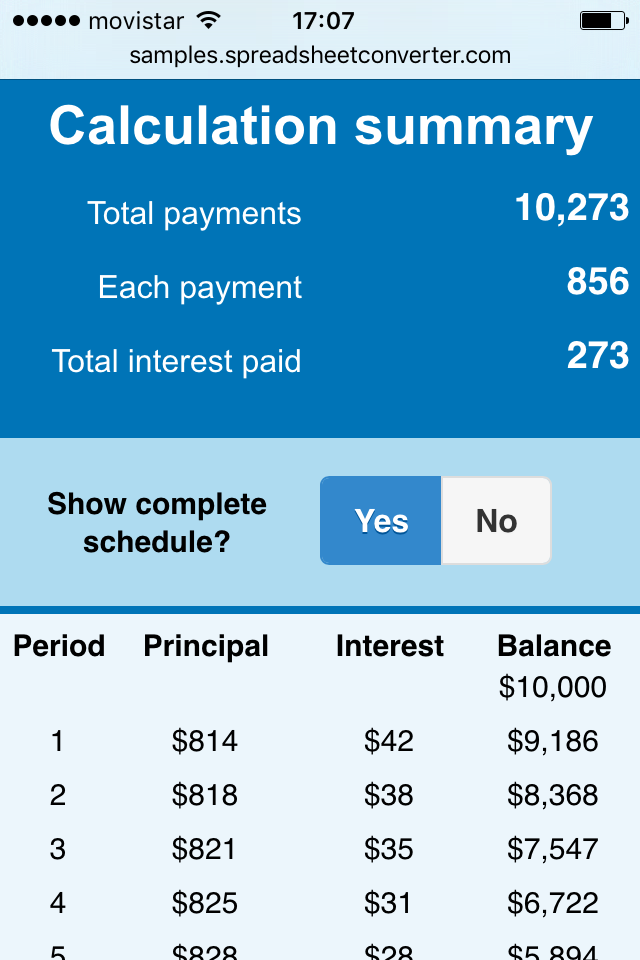
The screenshot is from a mobile web app that was directly converted from an Excel spreadsheet. The app calculates the monthly payments for a car loan depending on time and interest. It also shows you the total interest paid for the loan. For us, it also demonstrates some of our popular web widgets and the powerful hide rows feature.
To test the Car Loan calculator in your phone, scan the QR code below.
If you’re uncomfortable doing that, read our tutorial about scanning QR codes.
If you want to build apps like this just by converting Excel spreadsheets, read the guide to creating iPhone/Android web apps from Excel spreadsheets.
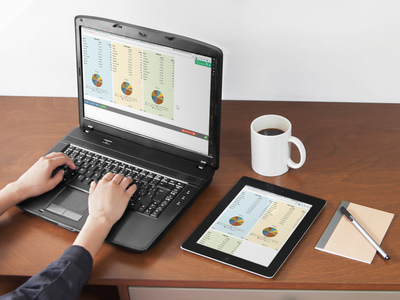

Historically, most spreadsheets were made very wide to fit the desktop screens of long ago. Today, this landscape-oriented design makes old spreadsheets difficult to use on smaller devices that are mostly used with the screen in portrait orientation. The unnecessarily wide layout requires a lot of horizontal scrolling.
Other solutions may force you to create a separate “mobile” version of each spreadsheet. With SpreadsheetConverter you can instead easily divide the spreadsheet into responsive blocks that naturally flow across the screen to fit any screen width.
With responsive design, your web calculator or form automatically adapts to different screen widths.
Responsive blocks are easy to use and with little effort make almost any old and wide spreadsheet fit even the smallest screens.



Click on Download to install and test this Excel add-in for Windows.
Click on Upload to let us convert a spreadsheet for you for free.